The Repair Rhino app · iOS & Android
Insurance repairs.Managed smarter.
Repair Rhino brings transparency, visibility and control to the insurance repair process. Track repairs, manage jobs and stay informed through one connected platform built to make insurance building work run more efficiently.
Free to download on iPhone and Android.
- Effortless job initiation
- Preferred supplier network
- Live job tracking
- On-site assessment
- Customisable purchase orders
- Instant approval
The platform
One app, from first call to final sign-off.
Built for tradespeople and repair teams, Repair Rhino keeps every step of a property repair job connected — so the people on site and the people managing the claim are always looking at the same picture.
01
Effortless job initiation
Start repair requests for incidents like storms in a few taps.
02
Preferred supplier network
Connect with a network of trusted, skilled tradespeople.
03
Live job tracking
Follow subcontractors en route to assessments, with visibility for every stakeholder.
04
On-site assessment
Log in, assess damage and upload photos directly from the property.
05
Customisable purchase orders
Build detailed orders — hours, personnel, tiles, tarps — with pricing per item.
06
Instant approval
Approve purchase orders with a click and notify the subcontractor straight away.
App features
Everything the job needs. In your pocket.
Six core features shape how Repair Rhino works day to day. Scroll through to see them inside the app.
- 01 / 06
Always up to Date
Active jobs, staff and progress stay current, so everyone involved in a repair sees the latest status.
- 02 / 06
Reports & Forecasting
Job information is captured in one place, ready for reporting and planning the work ahead.
- 03 / 06
Easy Usage
Clear screens and guided forms keep on-site work simple, from signing in to saving an update.
- 04 / 06
Online Banking
Online banking is part of the Repair Rhino platform, keeping the financial side of the job digital.
- 05 / 06
Secure Payments
Payments run through a secure process, with access protected behind each user's own sign-in.
- 06 / 06
Configurable Fields
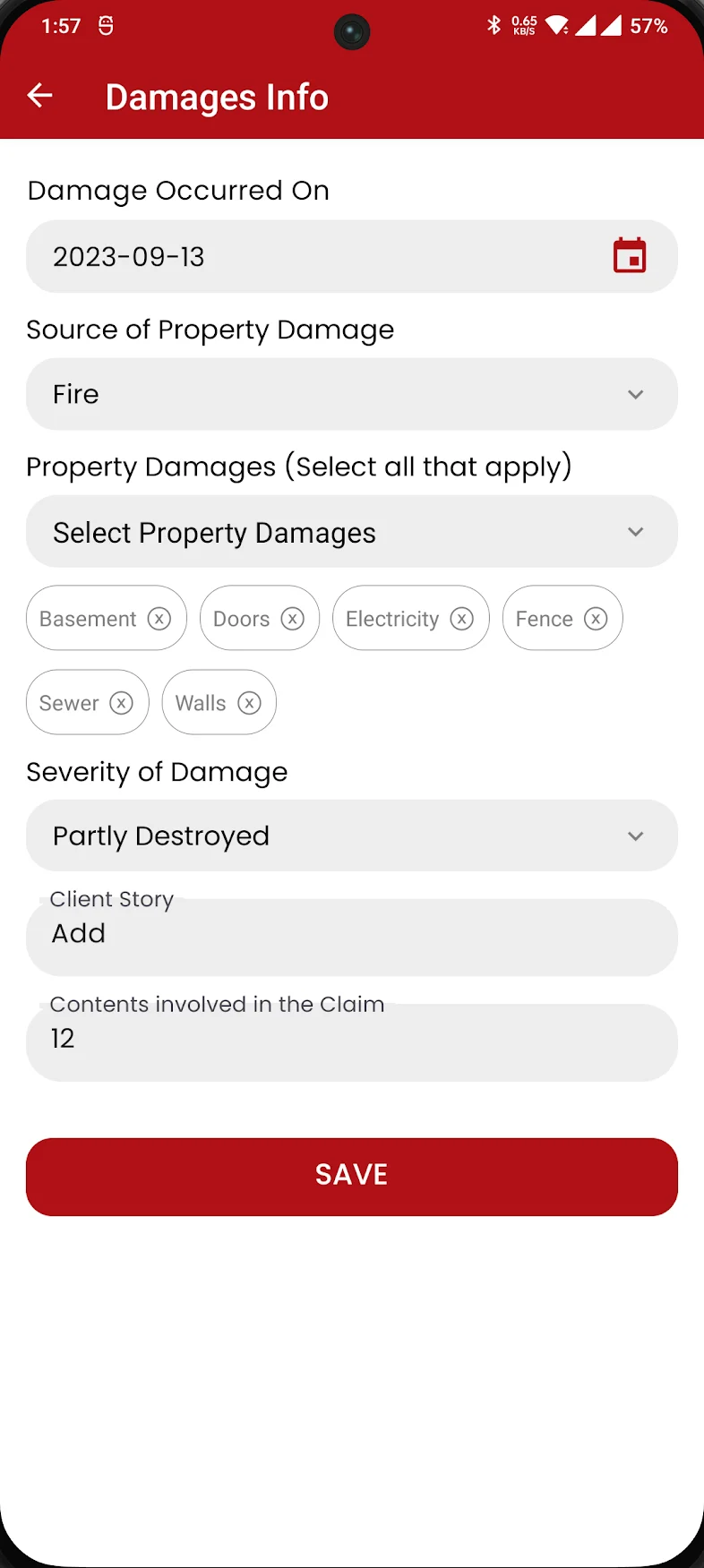
Forms adapt to the job — damage source, affected areas, severity and more — so you record exactly what matters.
Active Jobs
Always up to Date
See it on your own device.
Download Repair Rhino for iPhone or Android.
Inside the app
A real tool, built for real job sites.
These are the actual Repair Rhino screens your team works with — from signing in to recording damage on site.
Launch
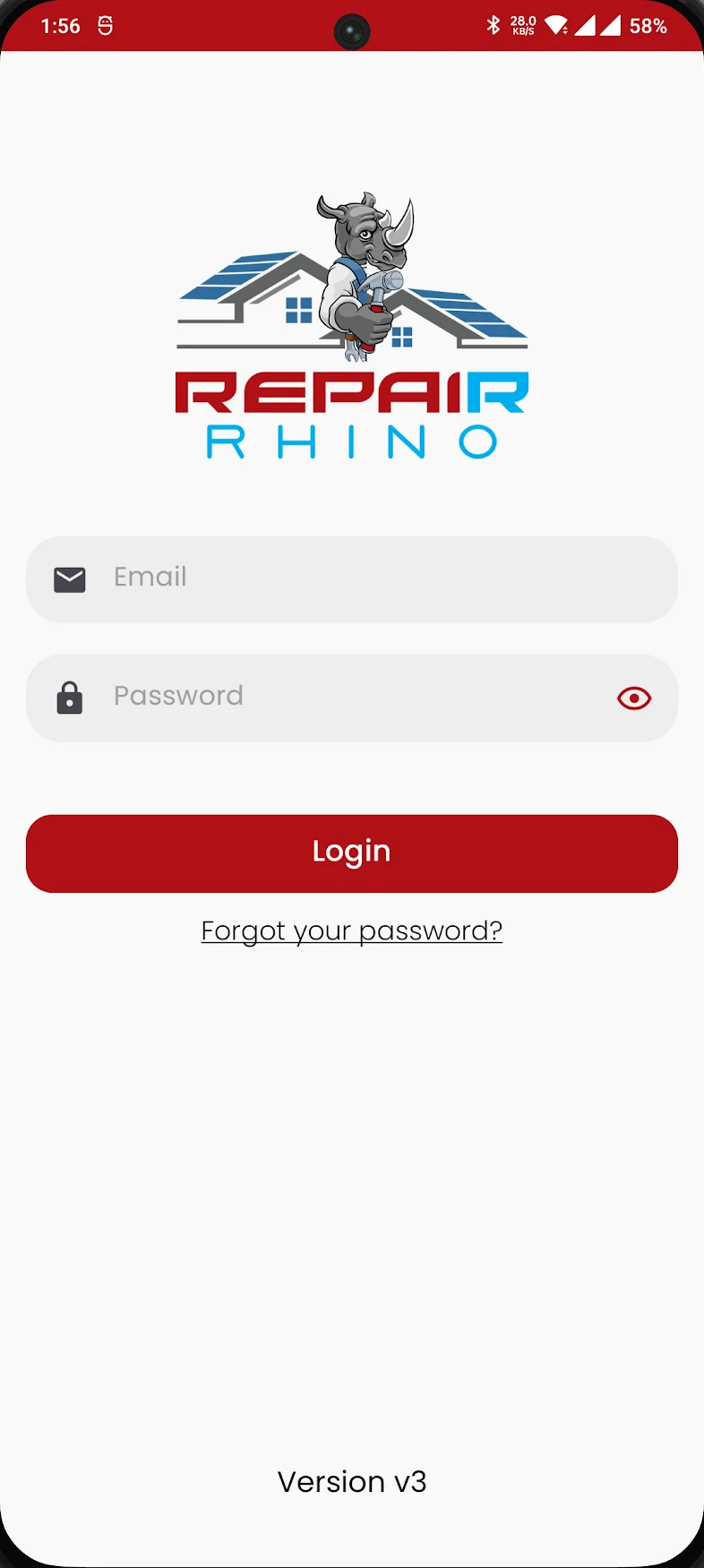
Open the app to the familiar Repair Rhino brand.
Secure sign-in
Every team member signs in with their own email and password.
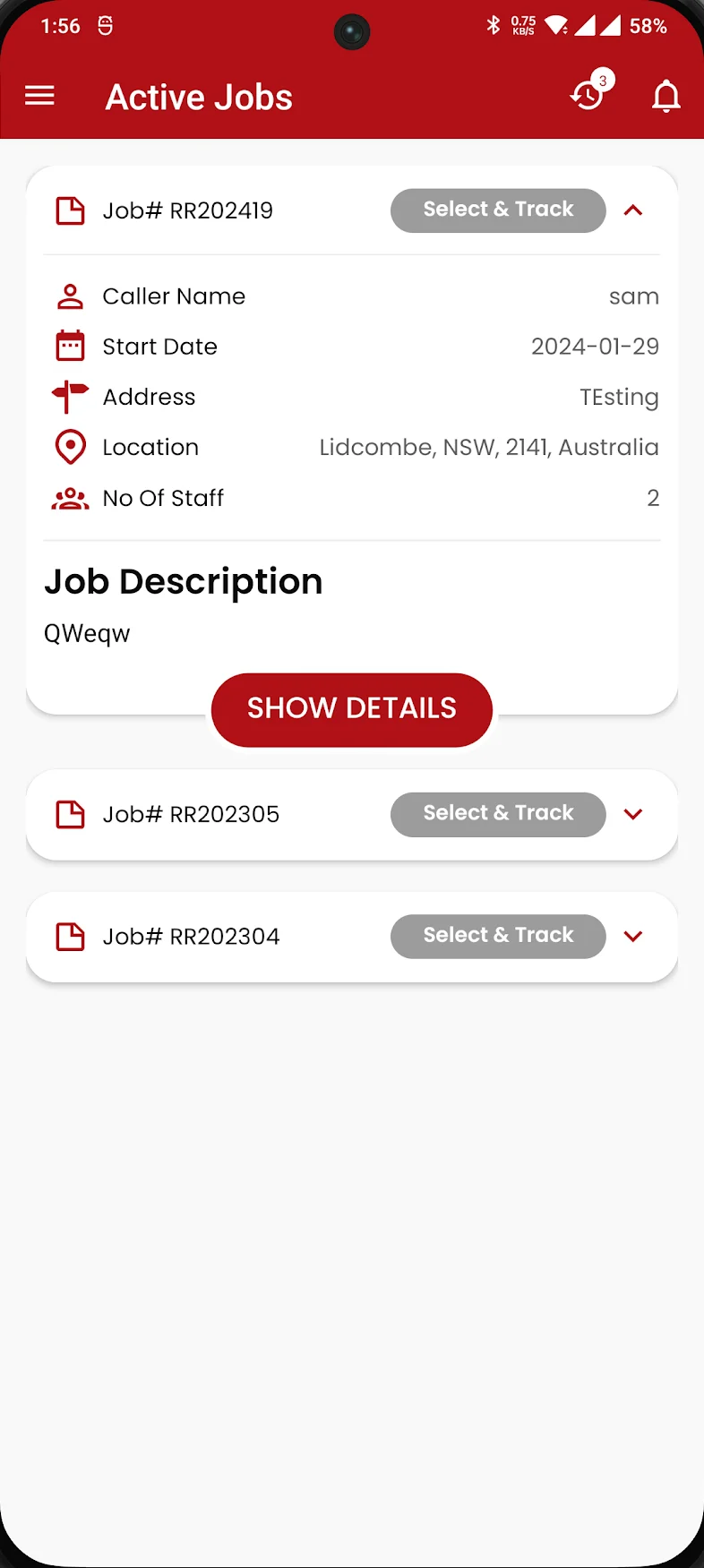
Active jobs
Job number, caller, start date, address, location and staff — at a glance.
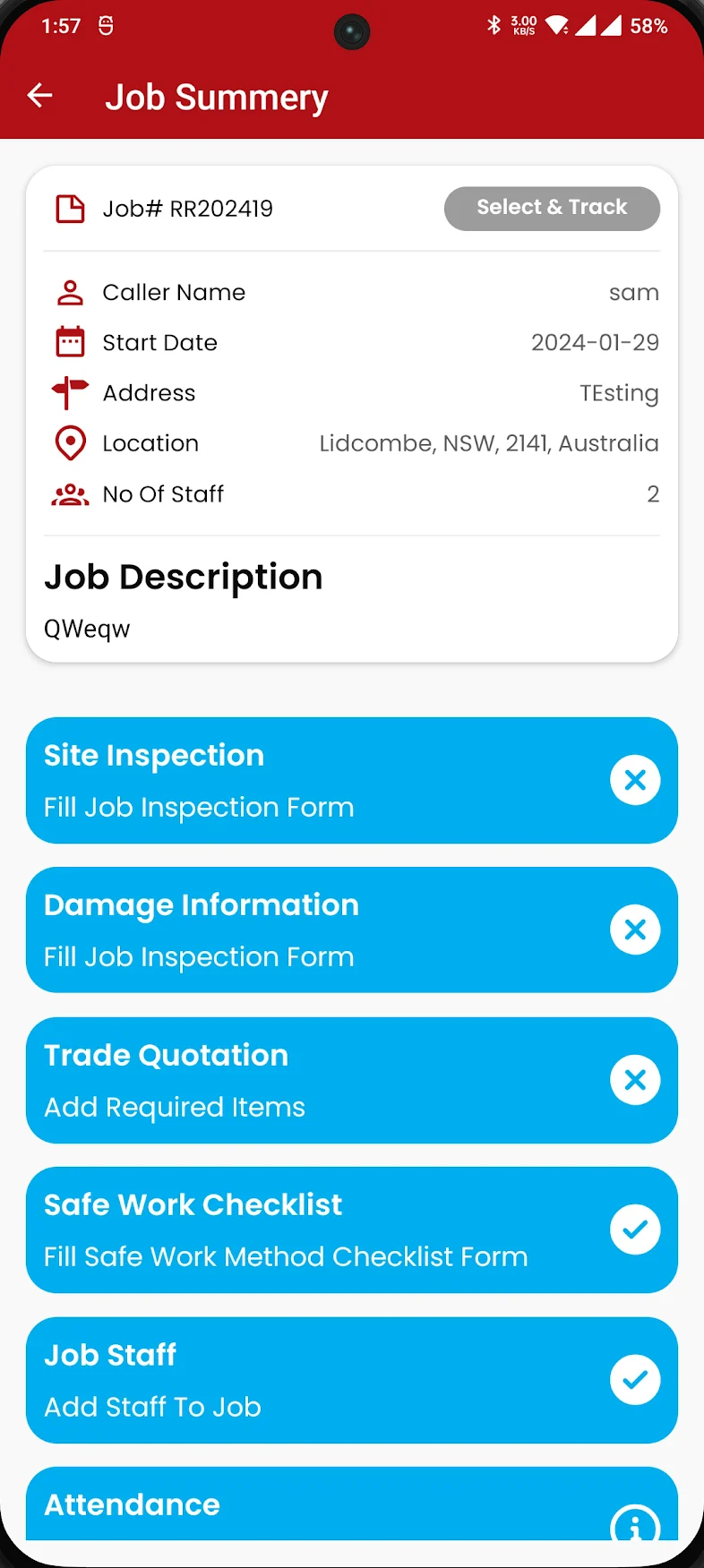
Job summary
Site inspection, damage info, trade quotation, safe work checklist, staff and attendance.
Damages info
Record when damage occurred, its source, the areas affected and how severe it is.
Our promise
Treat every home like family.
Why Repair Rhino
The best way to improve customer satisfaction.
Customer satisfaction is our highest priority. We guarantee all insured customers experience the best level of work in a timely manner. We believe in treating all affected homeowners like our own family. We make sure that our insurance claim work is completed professionally, by our experienced trades — leaving behind a happy family.
Quality is our assurance and customer satisfaction is our priority.
Services we support
Insurance building, end to end.
Australian insurance building and repair specialists — with the Repair Rhino platform behind every job.
- 01
Early Assessment by Qualified Assessors
Qualified assessors attend early to assess the affected property and record what's needed in the Repair Rhino portal.
- 02
Insurance Repair
Insurance claim work completed professionally by our experienced trades, in a timely manner.
- 03
Emergency Make Safe
When an emergency request comes in, our team makes the property safe — and every step is tracked and signed off.
Emergency Make Safe
How it works?
Steps of doing Make Safe work with our online Repair Rhino portal after we receive an emergency request for Make Safe.
Step 1
Make Safe job booked
NTM books the Make Safe job in the online Repair Rhino portal for a tree fallen on the roof of a house.
Step 2
Assessor is dispatched
Repair Rhino dispatches an assessor to the given address.
Step 3
ETA notification to homeowner
The homeowner is informed of the estimated time of arrival.
Step 4
Job assessment
The assessor assesses the affected property, uploads information to the Repair Rhino portal and resources are dispatched.
Step 5
Make Safe completed & signed off
The team removes the tree, debris and any electrical wires, installs a tarp on the roof, completes the Make Safe job, updates Repair Rhino and signs off.
Let’s get started
Contact Us
Arrange a demo with our team. We’ll create your account before you start using Repair Rhino.
Download the app
Put Repair Rhino to work.
Manage jobs, track repairs and stay informed from wherever the work takes you.
A demo and an account created by our team are required before using the app. Contact us to get started.